
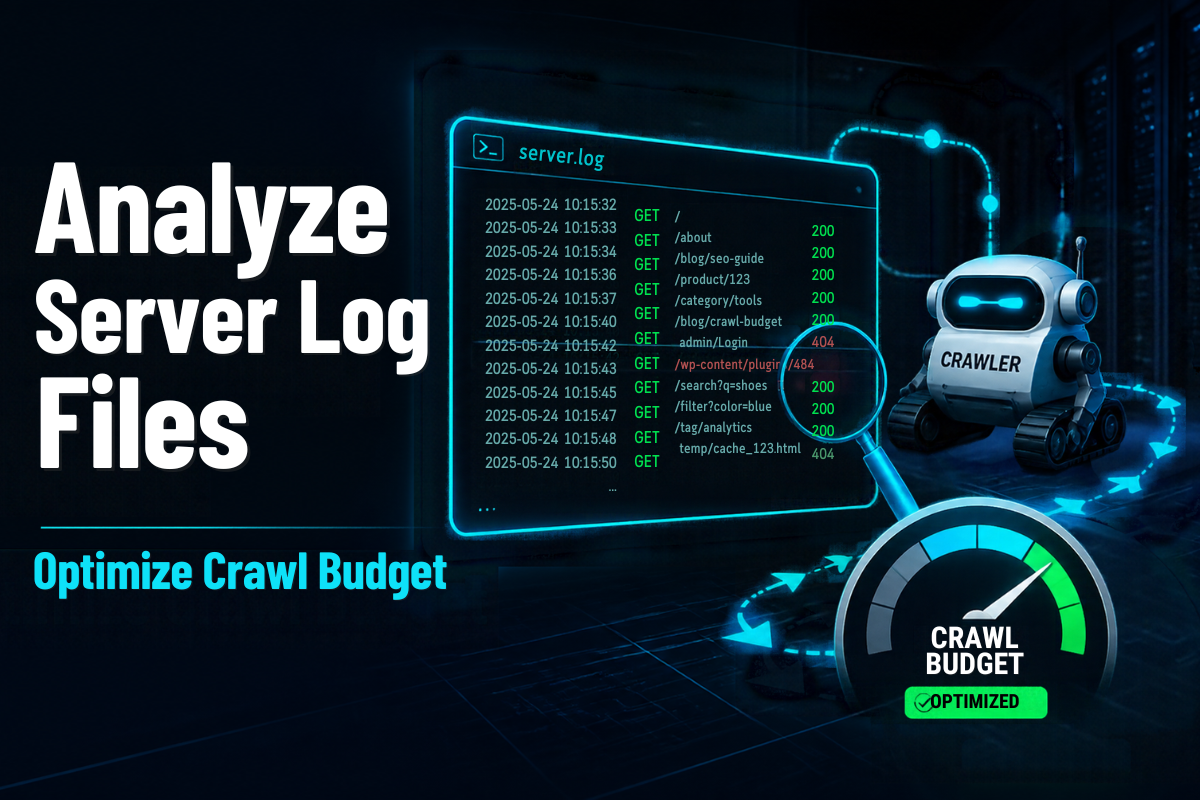
Googlebot may visit your website thousands of times a month. How many of those visits land on pages that actually earn you revenue? Most site owners cannot answer that question, but their server logs can.
Server log file analysis for SEO shows exactly what search engine bots request, how often, and what your server returns. It is the only data source that records every single bot hit, with no sampling and no guesswork.
In this guide, we walk through how we analyze logs to optimize crawl budget, which signals matter most, and how to turn findings into fixes. If you are building a wider search plan, pair this with our organic SEO strategy blueprint.
What Are Server Log Files?
Every time a browser or bot requests a URL, your web server records the event in a log file. Each line is a small piece of evidence about how your site is being used.
A typical log entry includes:
- IP address: Who made the request.
- Timestamp: When it happened.
- Requested URL: Which page or file was fetched.
- Status code: Whether the server returned 200, 301, 404, 500 and so on.
- User agent: Which browser or bot made the request, such as Googlebot or Bingbot.
- Response time and bytes: How fast and how large the response was.
Logs live on your server, your CDN or your hosting platform. Apache, Nginx, IIS and services like Cloudflare all produce them in slightly different formats.
What Is Crawl Budget and Who Needs to Care?
Crawl budget is the number of URLs a search engine is willing and able to crawl on your site in a given period. Google describes it as a mix of crawl capacity (how much your server can handle) and crawl demand (how much Google wants your content).
Google’s own crawl budget guidance says it matters mainly for large sites, roughly those with over a million pages, or 10,000 or more pages that change daily. If your site is smaller, you usually do not have a crawl budget problem.
However, log analysis is still valuable for smaller sites. It reveals broken links, redirect chains and ignored pages that quietly hold back rankings.
Why Logs Beat Other Crawl Data
Google Search Console’s Crawl Stats report is helpful, but it is summarized and limited to Google. Third-party crawlers show what could be crawled, not what was.
Server logs show what actually happened. They also let you compare Googlebot, Bingbot and other crawlers side by side. In our audits, this comparison often exposes pages that bots love but users never see.
How to Analyze Server Log Files Step by Step
Here is the workflow we follow on SEO projects.
Step 1: Collect 30 to 90 Days of Logs
Ask your developer or host for raw access logs. Include CDN logs if you use one, because requests may never reach the origin server. A longer window smooths out seasonal spikes and release cycles.
Step 2: Verify Real Googlebot Traffic
Fake bots often pretend to be Googlebot. Google explains how to verify Googlebot using reverse DNS lookups and published IP ranges. Filter out anything that fails the check before drawing conclusions.
Step 3: Segment URLs by Type
Group URLs into meaningful buckets so patterns become visible:
- Product or service pages
- Category and listing pages
- Blog and resource content
- Parameter and filter URLs
- Internal search results
- Images, scripts and CSS
Step 4: Analyze the Key Signals
Look for these patterns first:
- Status code mix: A high share of 404, 410 or 5xx responses means bots are wasting time on dead ends.
- Redirect chains: Every extra hop spends crawl budget and slows discovery.
- Crawl frequency by page type: Are money pages crawled as often as low-value ones?
- Parameter URLs: Faceted navigation and tracking parameters can multiply URLs endlessly.
- Orphan pages: URLs bots hit that have no internal links.
- Slow responses: Pages with high response times get crawled less.
- Unvisited priority pages: Important URLs that bots rarely or never request.
Step 5: Compare Logs with Your Sitemap and Crawl Data
Cross-reference your XML sitemap, a site crawl and your log data. Pages in the sitemap that bots never visit need stronger internal links. Pages bots visit constantly but that are not in your sitemap may be wasting budget.
Illustrative Example of Crawl Waste
The table below is a simplified example to show what we look for. It is not client data.
| URL Type | Share of Googlebot Hits | Share of Revenue | What It Suggests |
|---|---|---|---|
| Product pages | 25% | 70% | Under-crawled; improve internal links |
| Filter and parameter URLs | 45% | 0% | Crawl waste; restrict or consolidate |
| Redirected URLs | 15% | 0% | Update internal links to final URLs |
| 404 pages | 10% | 0% | Fix or remove links pointing to them |
| Blog content | 5% | 30% | Healthy but could be refreshed |
When revenue-driving pages receive a small slice of bot attention, you have a clear optimization target.
How to Fix Crawl Budget Problems
Once you know where budget leaks, these fixes usually deliver the biggest wins:
- Block low-value crawl paths: Use robots.txt rules for internal search, endless filters and session parameters.
- Clean up redirects: Point internal links directly to final URLs and flatten chains.
- Fix errors: Resolve 404s and 5xx responses, and return 410 for permanently removed content.
- Strengthen internal linking: Link important pages from high-traffic hubs and navigation.
- Keep sitemaps honest: List only indexable, canonical, 200-status URLs with accurate last-modified dates.
- Improve server speed: Faster responses let bots fetch more pages in the same time.
- Prune or merge thin pages: Fewer, stronger pages are easier to crawl and rank.
Remember that a canonical tag or noindex does not stop crawling. Those pages are still requested, so robots.txt or removing the links is often the better tool for saving budget.
Tools for Log File Analysis
You do not need a huge budget to start. Pick the option that fits your site size:
- Screaming Frog Log File Analyser: Great for small to mid-sized sites.
- Semrush Log File Analyzer: Easy for teams already using Semrush.
- Botify, JetOctopus and Oncrawl: Built for enterprise-scale sites and continuous monitoring.
- BigQuery or ELK stacks: Best when you need custom queries on billions of rows.
Whichever tool you choose, review logs on a schedule. A monthly check catches release-related problems before they cost you traffic.
When to Bring in an SEO Expert
Log analysis is powerful, but interpreting it takes experience. Raw numbers can mislead if you do not know your site architecture, deployment history and business priorities.
We recommend professional help if you run a large e-commerce store, a site with faceted navigation, a platform migration, or a publisher with thousands of new URLs each week. At SRK WEBTECH, our technical SEO audits turn log data into a prioritized action plan your developers can actually implement.
You can see where we are located on Google Maps or explore our services at SRK WEBTECH.
Want to know where Googlebot is wasting its time on your site? Contact us now, call us at [8961293724], or schedule a consultation for a technical SEO review.
Conclusion
Server logs are the most honest record of how search engines treat your website. By collecting them, verifying bots, segmenting URLs and acting on what you find, you can steer crawl budget toward pages that earn traffic and revenue.
Start small, review often and fix the biggest leaks first. Even modest improvements to crawl efficiency can speed up indexing and strengthen your organic performance.
FAQs
What is server log file analysis in SEO?
It is the process of reviewing server records of bot and user requests to see how search engines crawl your site. The goal is to find wasted crawling, errors and ignored pages.
Does every website need to worry about crawl budget?
No. Google says crawl budget is mainly a concern for very large or fast-changing sites. Smaller sites still benefit from log analysis for error detection.
How often should I analyze log files?
We suggest a full analysis quarterly and a light monthly check. Run an extra review after migrations, redesigns or major releases.
Can I use Google Search Console instead of logs?
Search Console is a useful starting point, but it is summarized and Google-only. Logs give complete, URL-level detail across all bots.
How long does it take to see results after fixing crawl issues?
It varies by site size and how often bots return. Many sites see crawling patterns shift within a few weeks, while ranking effects may take longer.
📚 Explore the Rest of Our Digital Growth Series
Master every aspect of your online presence by exploring the other guides in our core marketing series: